V2RAYHUB open-source proxy client downloads

Download V2Ray clients
v2rayN / v2rayNG / V2flyNG

Client hub: desktop v2rayN (Windows / macOS / Linux), mobile v2rayNG / V2flyNG, with Quick Start and illustrated tutorials. Supports VMess, VLESS, Trojan, Shadowsocks.

  • VMess
  • VLESS
  • Trojan
  • Shadowsocks
WINDOWS v2rayN Desktop preview
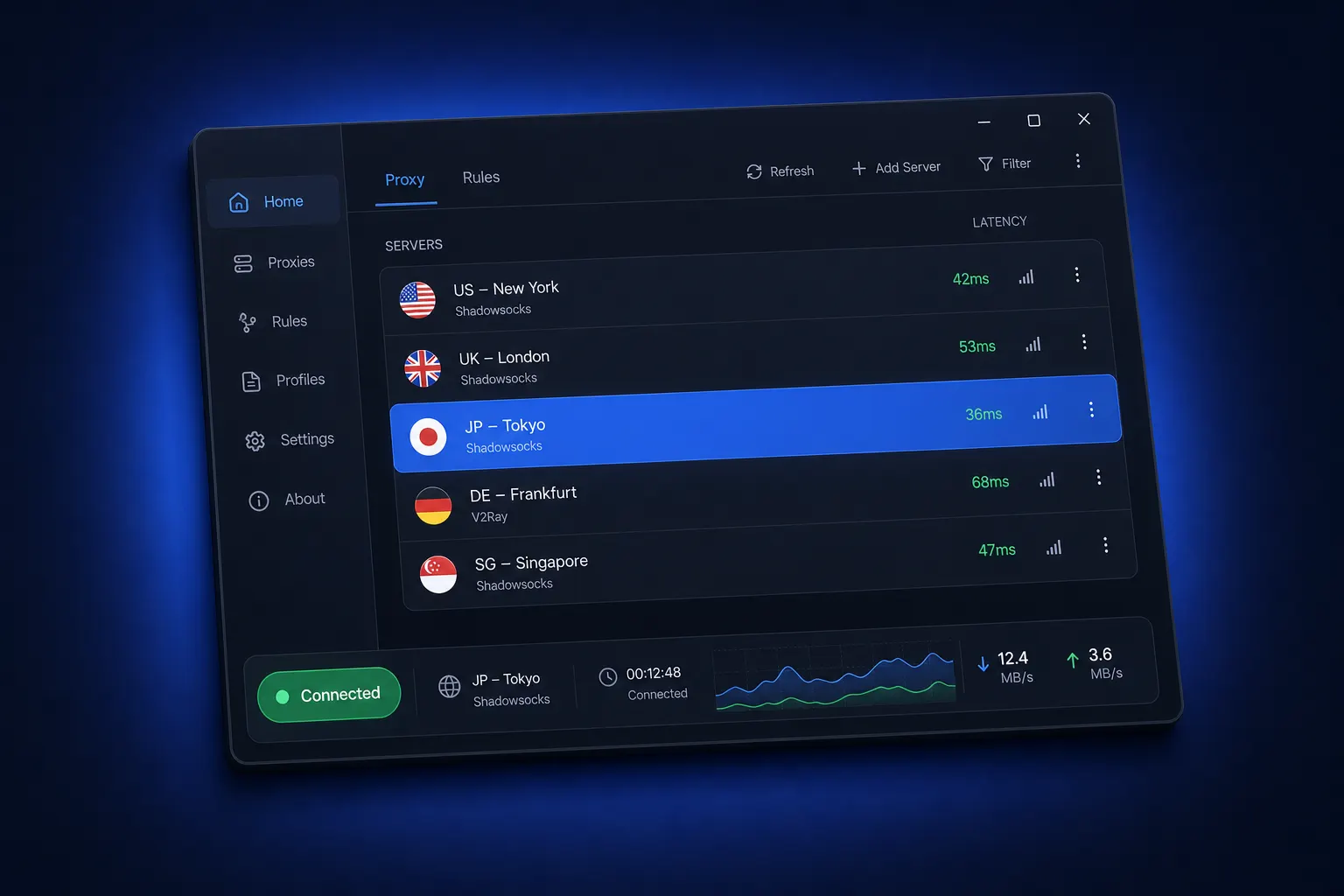
v2rayN desktop client UI preview

01 Client downloads

Pick one and start connecting freely

All packages link to official GitHub releases—unmodified, no bundles. Download with confidence.

v2rayN desktop client UI preview: server list, latency test, and connection status 01
Desktop · Recommended

v2rayN

Cross-platform desktop client for Windows, macOS, and Linux—feature-rich and actively updated.

  • Full Windows / macOS / Linux coverage
  • Supports VMess / VLESS / Trojan / SS
  • Subscription import & smart routing
  • Supports Xray / sing-box multi-core

Download latest v2rayN Older versions & install notes →
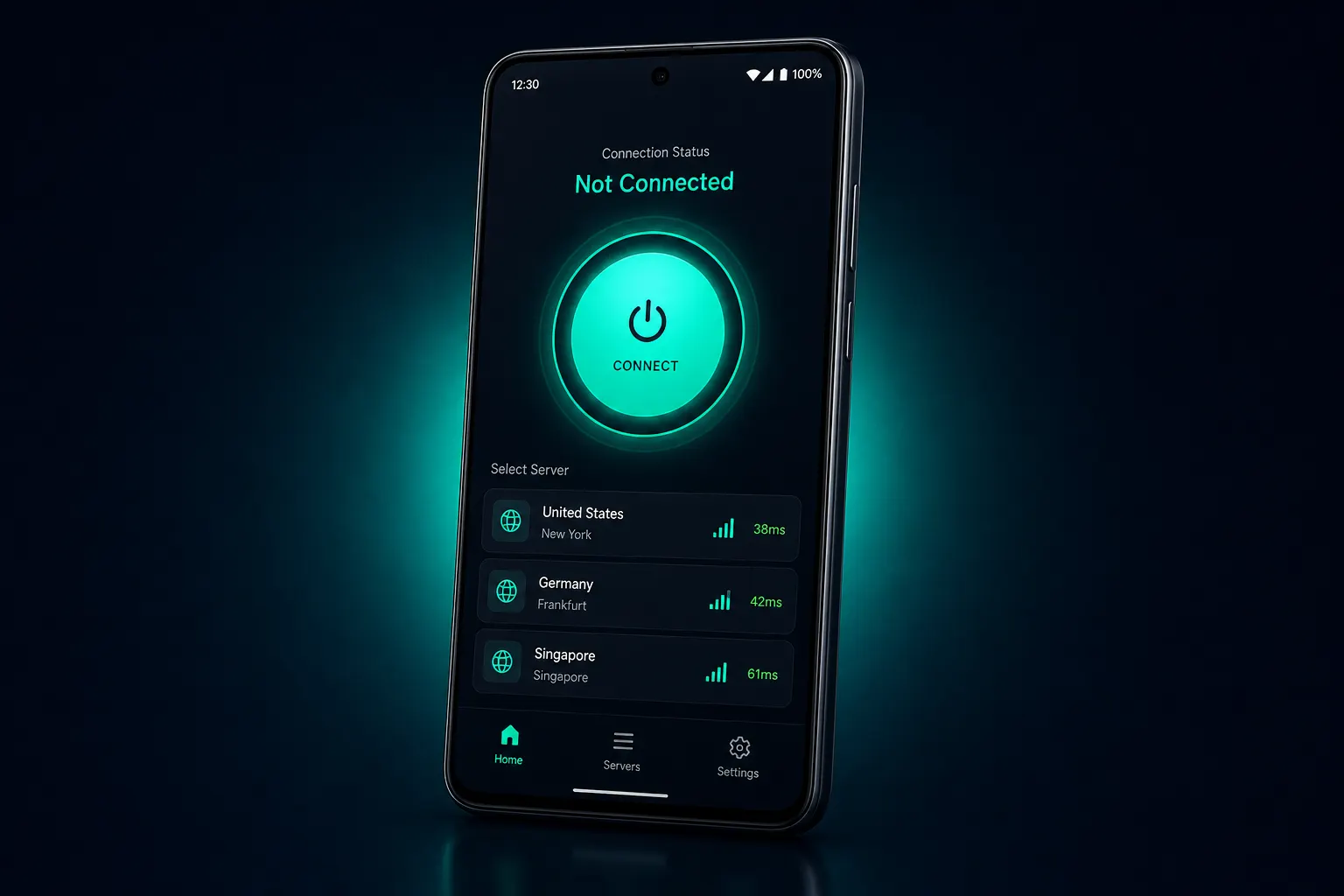
v2rayNG Android client UI preview: one-tap connect and node list 02
ANDROID · Recommended

v2rayNG

The main Android V2Ray client—lightweight and battery-friendly, maintained by the same author as v2rayN.

  • Supports VMess / VLESS / Trojan / SS
  • Import via QR, clipboard, or subscription
  • Per-app routing (split tunneling)
  • Stable low-power background operation
Download latest v2rayNG Older versions & install notes →
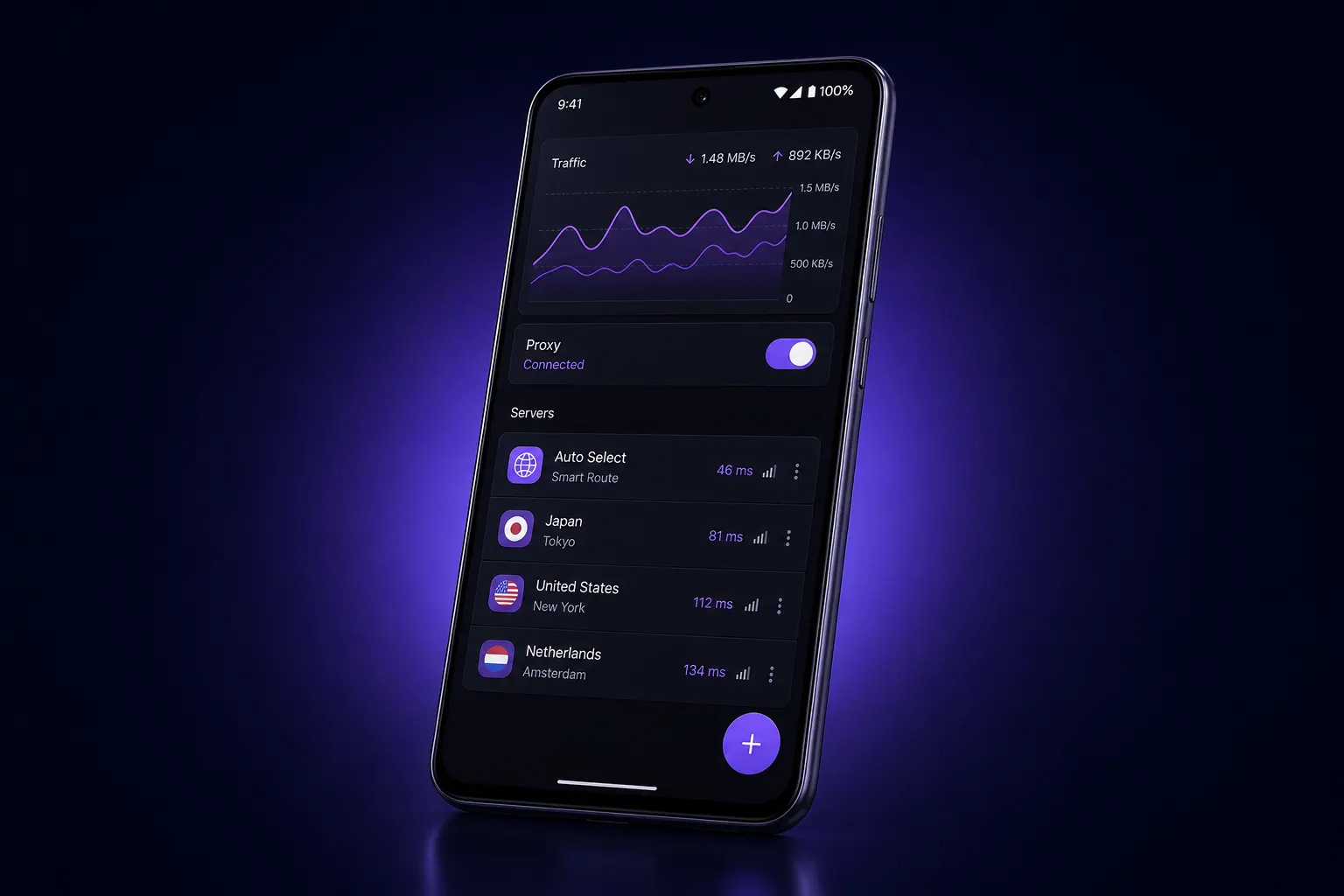
V2flyNG Android client UI preview: traffic charts and server management 03
ANDROID · Community

V2flyNG

Android client maintained by the v2fly community, with a core that closely tracks official v2fly-core updates.

  • Based on official v2fly-core
  • Supports VMess / VLESS / Trojan / SS
  • Subscription management & node latency tests
  • Community open source, transparent updates
Download latest V2flyNG Older versions & install notes →

02 Why choose V2Ray

More than a proxy—a full networking toolkit

Open source, multi-protocol, smart routing—trusted by millions worldwide as a network proxy solution.

Global smart routing network: glowing wireframe Earth with cross-continent connection arcs

Global smart routing

Built-in smart routing: keep local traffic direct and send the rest through the proxy—better speed without constant manual switching.

Full multi-protocol support

Major proxy protocols covered—flexible for many network environments.

No ads or bundles

Packages from official repos—no backdoors, ads, or bundles.

One-click subscription updates

Import nodes in bulk via subscription URL; update the server list in one click.

100% open source

Code on GitHub, open to review by developers worldwide.

End-to-end encryption

Helps prevent eavesdropping and tampering—protects your privacy online.

03 Quick Start

Three steps to your first connection

From download to online in just a few minutes.

Download and install the client

Pick by OS: Windows / macOS / Linux → v2rayN; Android → v2rayNG or V2flyNG.

↑ Back to downloads

Import server nodes

Import your server config via subscription URL, QR scan, or clipboard—the client detects node details automatically.

Enable the proxy and go online

Pick the lowest-latency node and start. Enable smart routing for a better speed and experience balance.

View illustrated tutorial →

04 FAQ

Before you download, you may want to ask a few things

Common questions about downloading and using V2Ray clients, gathered here.

View full FAQ →
What’s the difference between v2rayN, v2rayNG, and V2flyNG?

v2rayN is a cross-platform desktop client for Windows, macOS, and Linux; v2rayNG is the main Android client—both maintained by 2dust. V2flyNG is the Android client maintained by the v2fly community, with a core that tracks v2fly-core updates more closely. On mobile, pick either by preference.

Are V2Ray clients free?

Yes. v2rayN, v2rayNG, and V2flyNG are free open-source software on GitHub—anyone can download, use, and audit the code. Watch out for third-party paid or ad-bundled “modified” builds.

Which protocols do these clients support?

All support major proxy protocols such as VMess, VLESS, Trojan, Shadowsocks, and SOCKS, plus one-click subscription import and bulk node updates.

How do I configure it after downloading?

After installing, add servers via “Import from clipboard” or “Scan QR code,” select a node, and enable the proxy. See the Quick Start for details.

Windows shows a security warning?

Without a commercial code-signing certificate, some antivirus tools may false-flag the client. Confirm the package is from the official GitHub release (all links here point to the official repo), then whitelist it to use normally.

GitHub is slow or blocked—how do I download?

Use the mirror links on this site’s download page, or download on a device that can reach GitHub and transfer the file over LAN.

V2Ray network tunnel illustration

Ready? Start your journey to freer access

Download the V2Ray client for your device—setup takes just a few minutes.

Free client download